

No-code app builders are platforms that let you create custom applications without writing a single line of code. They fall into three main categories: visual drag-and-drop builders, AI-powered prompt-to-app builders, and low-code/developer-hybrid platforms. Each type serves a different level of technical skill, budget, and project complexity. Knowing which type fits your situation is the fastest way to avoid expensive mistakes and get your app deployed quickly.
1. What are the types of no-code app builders?
No-code app builders cover vastly different technical architectures, from managed visual platforms to AI code generators that eventually require technical maintenance. That distinction matters more than most beginners realize. The label “no-code” sounds uniform, but the platforms underneath it work in fundamentally different ways. Choosing the wrong type early can force a costly migration later.
The three primary categories are:
- Visual drag-and-drop builders: You assemble apps by placing pre-built components on a canvas. No code required at any stage.
- AI-powered prompt-to-app builders: You describe what you want in plain English, and the platform generates a working app. AI builders cut costs by up to 90% for non-technical teams by automating the full stack from database to deployment.
- Low-code/developer-hybrid platforms: You use visual tools for most of the build, but developers can add custom code where needed.
Each type has a distinct ceiling for complexity, a different cost profile, and a different maintenance model. The sections below break each one down.
2. Visual drag-and-drop builders: what they are and when to use them

Visual drag-and-drop builders are the original no-code format. You pick components from a panel, drop them onto a canvas, and connect them to a data source. The platform manages the backend, hosting, and database for you.
This type works best for:
- Internal tools and admin dashboards
- Simple web apps and customer portals
- Minimum viable products (MVPs) that need to launch fast
- Teams with no technical background at all
The biggest strength is speed of prototyping. You can build a working app in hours and iterate without touching any configuration files. The platform acts as a managed ecosystem, so you never worry about server maintenance or database updates.
The trade-off is a customization ceiling. When your app needs complex logic, custom APIs, or unusual data relationships, visual builders start to show their limits. Most platforms handle standard workflows well but struggle with edge cases that require precise control.
Pro Tip: Before committing to a visual builder, map out your most complex workflow first. If the platform cannot handle that workflow in a demo, it will not handle it in production either.
3. How AI-powered prompt-to-app builders change the no-code landscape
AI-powered builders represent the biggest shift in no-code app building since drag-and-drop interfaces appeared. You type a description of your app in plain English, and the platform generates a full-stack application, including the database, backend logic, and front-end interface.
The speed advantage is real. Non-technical founders have deployed fully functioning applications in as little as 45 days. One founder built a safety app that flagged over 200 dangerous situations and reached $456K in annual recurring revenue, all without an engineering degree.
“Once building the app is no longer the bottleneck, marketing and customer acquisition become the real constraints. The technology gets you to launch. What you do after launch determines success.”
Key advantages of AI-powered builders include:
- Full-stack generation from a single text prompt
- Automated database setup, backend workflows, and hosting
- No design or development skills required
- Fast iteration by refining prompts rather than rebuilding components
The catch is what happens after launch. AI builders like these produce actual codebases in React and TypeScript. As your app grows in complexity, that codebase needs a developer to maintain it. Visual builders manage scaling for you. AI builders hand you the code and step back.
This distinction is not a flaw. It is a trade-off you need to understand before you choose. If your app stays relatively simple, AI builders are the fastest and cheapest path to market. If you expect rapid feature growth, plan for developer involvement down the road.
4. What role do low-code and developer-hybrid platforms play?
Low-code platforms sit between pure no-code and traditional development. You build most of the app visually, but developers can write custom code to extend functionality where the visual tools fall short.
This type suits teams that have at least one technical person on staff. The visual layer speeds up development for non-technical team members, while the code layer gives developers the control they need for complex integrations, security requirements, or enterprise-grade workflows.
Common use cases for low-code/developer-hybrid platforms:
- Internal team apps that connect to multiple enterprise systems (CRM, ERP, databases)
- Workflow automation tools that require custom business logic
- Customer-facing apps with strict security or compliance requirements
- Projects that start simple but have a clear roadmap for significant feature growth
The downside is launch speed. Hybrid platforms take longer to deploy than pure no-code options because the custom code layer adds development time. You also need a developer available, which adds cost.
Pro Tip: Use a low-code platform when your app needs to connect to more than three external systems. The visual layer handles the UI fast, and the code layer handles the integration complexity cleanly.
For teams with some technical resources, workflow automation on hybrid platforms delivers the best balance of speed and long-term flexibility.
5. How to choose the right type of no-code app builder for your project
The right platform type depends on four factors: your team’s technical skill, your project’s complexity, your budget, and how much you expect the app to grow.
Use this framework to narrow your choice:
| Your situation | Best platform type |
|---|---|
| No technical skills, simple app, fast launch needed | Visual drag-and-drop builder |
| Non-technical founder, MVP, cost-sensitive | AI-powered prompt-to-app builder |
| Mixed team, complex integrations, enterprise needs | Low-code/developer-hybrid platform |
| Data-first workflows with CRM or spreadsheet sources | AI-powered builder with data connectors |
Beyond the table, three considerations shape every decision:
- Maintenance ceiling: Choosing the wrong builder at the start leads to expensive platform migrations later. Ask what happens when your app outgrows the platform before you commit.
- Data workflows first: Successful no-code projects define data relationships and integrations before touching the UI. Platforms that connect to Stripe, HubSpot, or Google Sheets natively save weeks of setup time.
- Platform lock-in: Some visual builders store your data and logic in proprietary formats. If you ever need to migrate, you may have to rebuild from scratch.
The most common mistake is choosing a platform based on its UI design features alone. The app’s data model is what determines whether it works in the real world.
6. Lesser-known tips and budget-friendly options in no-code app building
Most guides focus on the biggest platforms. The more useful advice lives in the details that beginners miss.
- Start with your data, not your design. Effective no-code building hinges on proper data architecture. Build your data model first, then design the interface around it. Apps that start with UI design often hit functional limits within weeks.
- Use native integrations to cut setup time. Platforms with built-in connectors for HubSpot, Stripe, or Google Sheets eliminate hours of manual configuration. Gainable, for example, connects directly to these sources and auto-generates apps around your existing data.
- Test your most complex use case on day one. Do not build 80% of your app before discovering the platform cannot handle your edge case. Run the hardest workflow first.
- Budget for the next stage. Entry-level plans for AI-powered builders start around $30 per month. Enterprise solutions scale with complexity. Know your growth trajectory before locking into a pricing tier.
- Avoid feature-checklist thinking. The best no-code projects focus on solving a specific user problem, not on collecting features. A focused app with clean data workflows outperforms a bloated app with a polished UI every time.
- Plan for the maintenance handoff. If you use an AI builder that generates a React codebase, identify who will maintain that code before you launch. The platform gets you to market. A developer keeps you there.
For teams comparing specific platforms, the best no-code app builders for teams in 2026 break down pricing, scalability, and data integration options in detail.
Key takeaways
The most important decision in no-code app building is matching your platform type to your data complexity, not your design preferences.
| Point | Details |
|---|---|
| Three distinct types exist | Visual, AI-powered, and low-code/hybrid platforms each serve different skill levels and project scopes. |
| AI builders cut costs significantly | AI-powered platforms automate the full stack and reduce costs by up to 90% for non-technical teams. |
| Maintenance ceiling matters | Choosing the wrong platform type early leads to expensive migrations as your app grows. |
| Data workflows come first | Define your data model and integrations before designing the UI to avoid hitting functional limits. |
| Match type to team skills | Non-technical teams do best with visual or AI builders; teams with developers gain more from hybrid platforms. |
The part most no-code guides skip entirely
We have watched teams spend three months building a beautiful app on the wrong platform. The UI looks great in demos. Then they try to connect it to their CRM, and the whole thing falls apart.
The shift we find most significant in 2026 is not the technology itself. It is who benefits most from these tools. Domain experts, not engineers, get the most value from no-code platforms. A warehouse manager who understands inventory flow can build a better inventory app than a developer who has never touched a warehouse. That is the real promise here.
What we tell every team starting a no-code project: treat the platform as a means to solve a real user problem, not as a product in itself. The teams that succeed are the ones who start with their data and work outward to the interface. The teams that struggle are the ones who design a beautiful UI and then try to wire data into it afterward.
One more thing worth saying plainly: AI builders are not magic. They get you to a working prototype fast. But as your app grows, that generated codebase needs attention. If you are not prepared for that, a managed visual platform is the safer long-term choice. Know what you are signing up for before you start.
What Gainable offers teams building data-driven apps
Teams that already have data in HubSpot, Stripe, or Google Sheets do not need to start from scratch. Gainable connects directly to those sources and builds apps around your existing workflows using natural language.
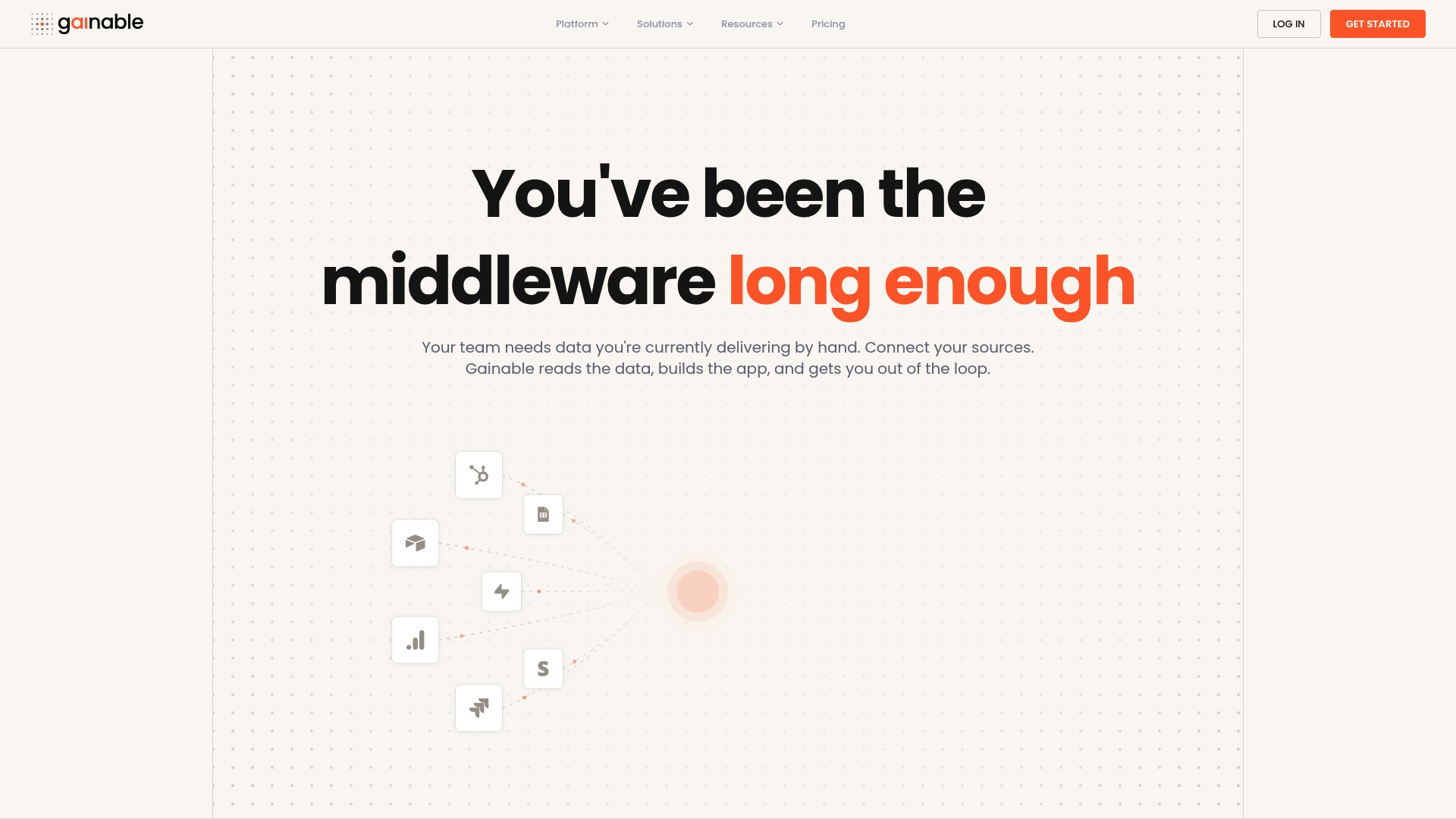
You describe what you need, and Gainable generates a working team app from your live data. No manual configuration, no backend setup, and no coding required. The app builder in natural language handles the full stack, while built-in collaboration tools keep your team’s conversations tied to the data itself. If you want to see how your existing data sources translate into a working app, explore the Gainable platform and connect your first data source in minutes.
FAQ
What is a no-code app builder?
A no-code app builder is a platform that lets you create custom applications without writing code, using visual interfaces or AI-generated workflows instead of programming languages.
What are the three main types of no-code app builders?
The three main types are visual drag-and-drop builders, AI-powered prompt-to-app builders, and low-code/developer-hybrid platforms, each suited to different skill levels and project scopes.
Are AI-powered no-code builders better than visual builders?
AI-powered builders deploy faster and cost less upfront, but they generate codebases that require developer maintenance as complexity grows. Visual builders manage scaling for you but have lower customization ceilings.
How do I choose the right no-code platform for my project?
Match the platform type to your team’s technical skills, your app’s data complexity, and your expected growth. Define your data workflows before evaluating UI features.
Can non-technical founders really build production apps with no-code tools?
Yes. Non-technical founders have built production apps reaching hundreds of thousands in annual revenue using AI-powered builders, typically launching within 45 days without any engineering background.