
Finding a no-code app builder that matches internal process needs without demanding developer resources is frustrating for operations teams. Softr.com and many competitors restrict advanced workflows, enforce pricing limits tied to automation actions, or depend heavily on a single ecosystem like Google. The top 4 alternatives detailed here let you match features, integration patterns, and data control to your operations team's needs and budget.
Table of contents
Budibase
At a glance
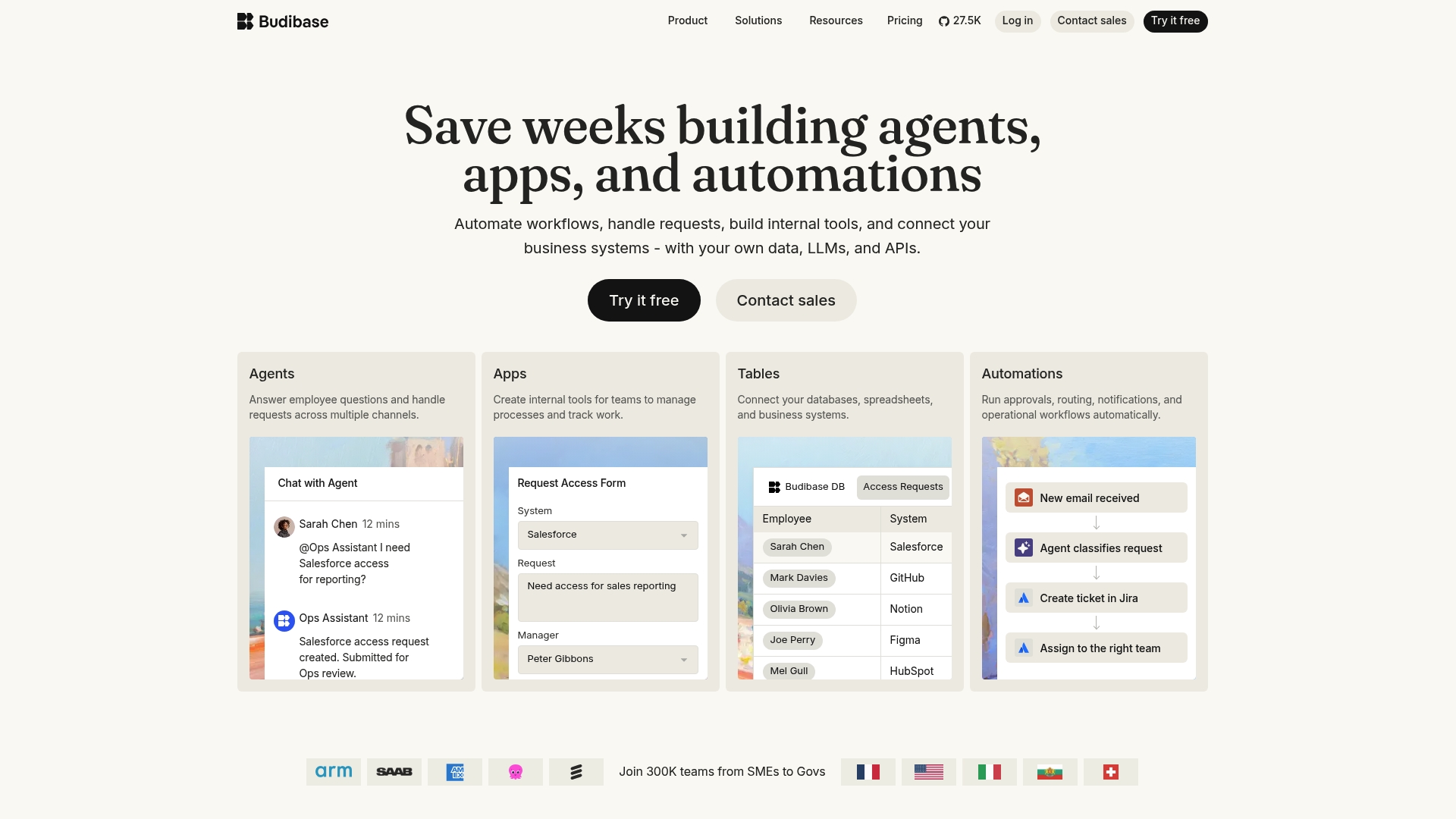
A government used Budibase to digitize critical operations during a refugee response. The vendor states enterprise security compliance including ISO 27001 and GDPR. That mix of open source, self hosting, and managed cloud explains why organizations needing data control choose this tool.
Core features
Budibase provides a low code app builder with a drag and drop interface that speeds internal tool creation. It includes automation workflows with triggers and actions plus AI powered agents to handle requests and routine tasks. The platform also offers connectors for common business systems and options for self hosting or managed cloud deployment.
Key differentiator
Budibase stands out because it combines open source licensing with both self hosting and a managed cloud offering. That model gives IT teams direct control over data while still offering a hosted option for collaboration. The platform aims at organizations that require audit logs, role based access, and enterprise grade security.
Pros
Budibase is open source, so you can inspect and modify the code while keeping data on your infrastructure if you prefer. It includes enterprise style controls such as role based access, single sign on, and audit logs, which support compliance workflows. The plugin ecosystem and connectors reduce custom integration work, letting teams build internal dashboards and approval flows quickly.
Cons
- Advanced customization often requires technical skills. Buyers report a steeper learning curve when extending complex apps.
- Pricing uses action based limits. That structure can become costly if automation volumes grow.
- The free self hosted option lacks managed conveniences for large deployments and enterprise support.
- Automation features have a learning curve, especially for teams new to workflow design.
When it may not fit
If your team lacks developer capacity, Budibase will likely demand more setup and maintenance than no code alternatives. If you expect unpredictable or very high automation volumes, the action based pricing could inflate costs. Small teams that want a generous hosted free tier may find the managed plan limits restrictive.
Who it's for
IT teams and internal operations managers in medium to large organizations will get the most from Budibase. You should have at least one technical person to manage hosting or to configure advanced automations. Organizations that must keep data on premises or meet formal audit requirements will benefit from its control features.
Real-world use case
A government agency used Budibase to convert paper processes into digital workflows during an emergency response. Teams built approval flows, connected external data sources, and tracked audit events without long vendor procurement cycles. That example shows how the platform handles operational pressure and compliance needs.
Pricing
Budibase is free for open source self hosted use. Managed cloud plans start at $19/month and include action limits that govern automation usage. Enterprise tiers are available for larger deployments and dedicated support.
Website: https://budibase.com
AppSheet
At a glance
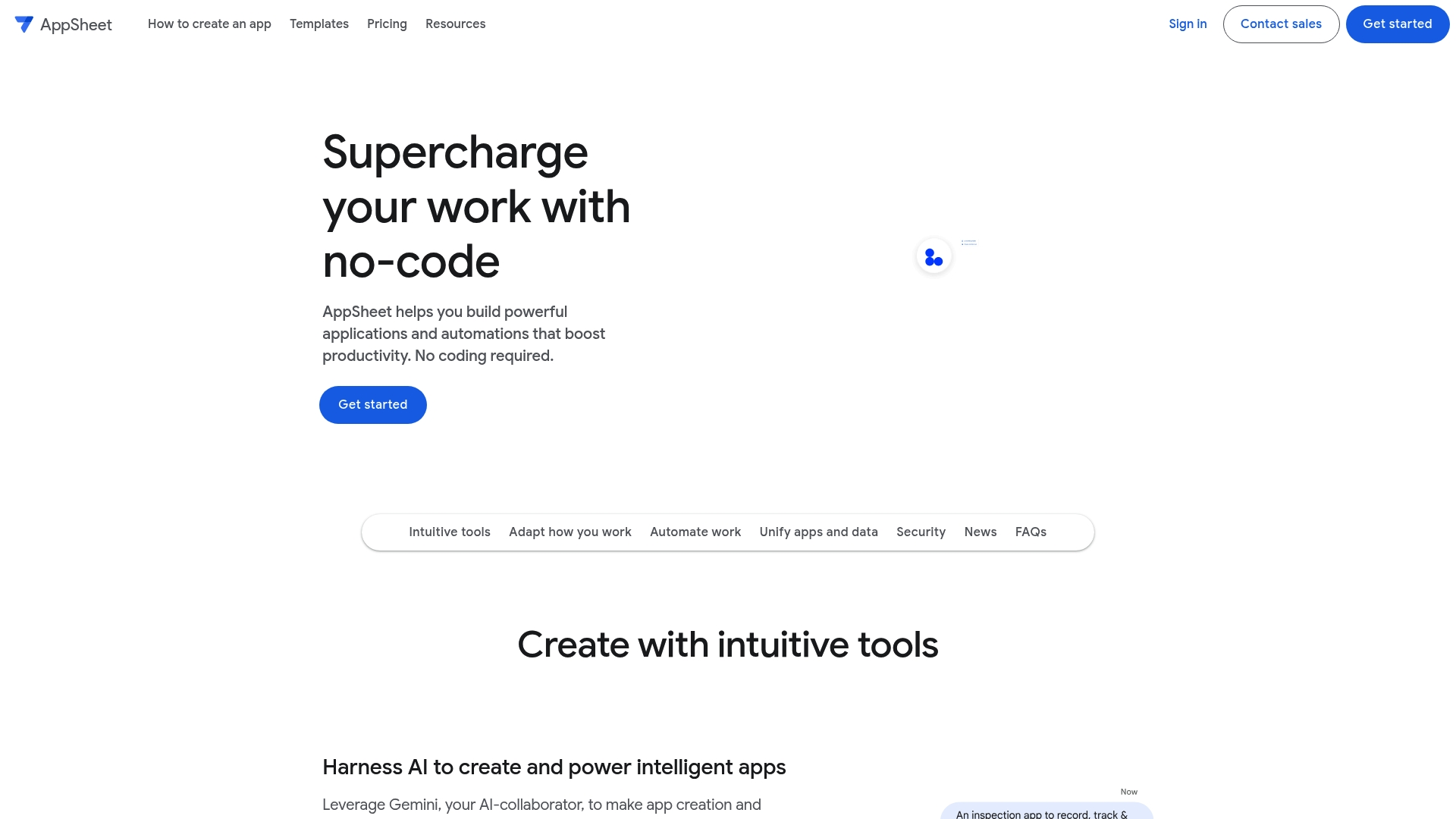
AppSheet offers a free trial for up to 10 test users, according to the company. The platform pairs no-code app building with Google Workspace hooks and a Gemini-powered assistant for design suggestions. That combination lets teams prototype internal apps quickly without writing code.
Core features
AppSheet combines intuitive app builders with Gemini to suggest forms, views, and automation. It supports offline-capable mobile apps, workflow automation with notifications and AI steps, and unified data connections across cloud storage and databases. Built-in governance covers role management, audit logs, and lifecycle controls suited to organizational IT needs.
Key differentiator
AppSheet stands out for tight integration with Google Workspace plus an AI layer that helps create and refine apps from data. That focus makes it a strong choice when your organization stores records in Google services and wants rapid app iteration without a developer backlog. It fits teams that accept some Google ecosystem tradeoffs for faster delivery.
Pros
Nontechnical staff can build functional apps, reducing reliance on developers and lowering turnaround time for internal tools. Deep ties to Google Sheets, Drive, and Cloud SQL make it straightforward to reuse existing spreadsheets and databases as backends. Automation features let you chain approvals, notifications, and AI-driven steps, and governance controls give IT visibility into app lifecycles and user access. The platform supports common enterprise integration patterns, which helps scale from single-team pilots to broader deployments.
Cons
- Pricing can escalate as team size or advanced features rise, making costs harder to predict for large organizations.
- Several advanced capabilities require higher-tier plans, so full functionality may need an upgrade.
- Managing extensive organizational policies and access rules can become complex for nontechnical admins.
- Heavy dependence on Google services may limit flexibility for teams centered on other ecosystems.
When it may not fit
If your organization avoids Google Workspace entirely, this product will feel constrained because many automation paths assume Google backends. Small teams on tight budgets may find higher-tier features unaffordable as needs grow. Teams that require full custom code for unique business logic should expect constraints compared with a custom development approach. Organizations with unusual security models may need extra configuration beyond standard controls.
Notable integrations
Supports direct connections to Google Sheets, Google Drive, and Google Cloud SQL, plus third-party systems such as Salesforce, Office 365, Dropbox, and Smartsheet. You can also link via APIs and REST services to external databases and enterprise systems.
Who it's for
Business teams and citizen developers who already use Google Workspace and need to deliver internal apps fast. IT and operations groups that want governance over citizen-built apps will find the lifecycle and audit features useful. Field teams needing offline-capable mobile apps also match this product profile.
Real-world use case
Airbus used AppSheet to create an inventory logistics app within days, speeding a supply chain digitization effort. That implementation shows how existing spreadsheets and mobile devices can become a controlled operational app without a major engineering project.
Pricing
The vendor advertises pricing that starts at $5 per user/month for Starter, $10 for Core, and $20 for Enterprise Plus, with tiered subscriptions and a trial option. Those starting prices help teams pilot the platform, but plan for higher costs as seats and features scale.
Website: https://appsheet.com/home
Jodoo
At a glance
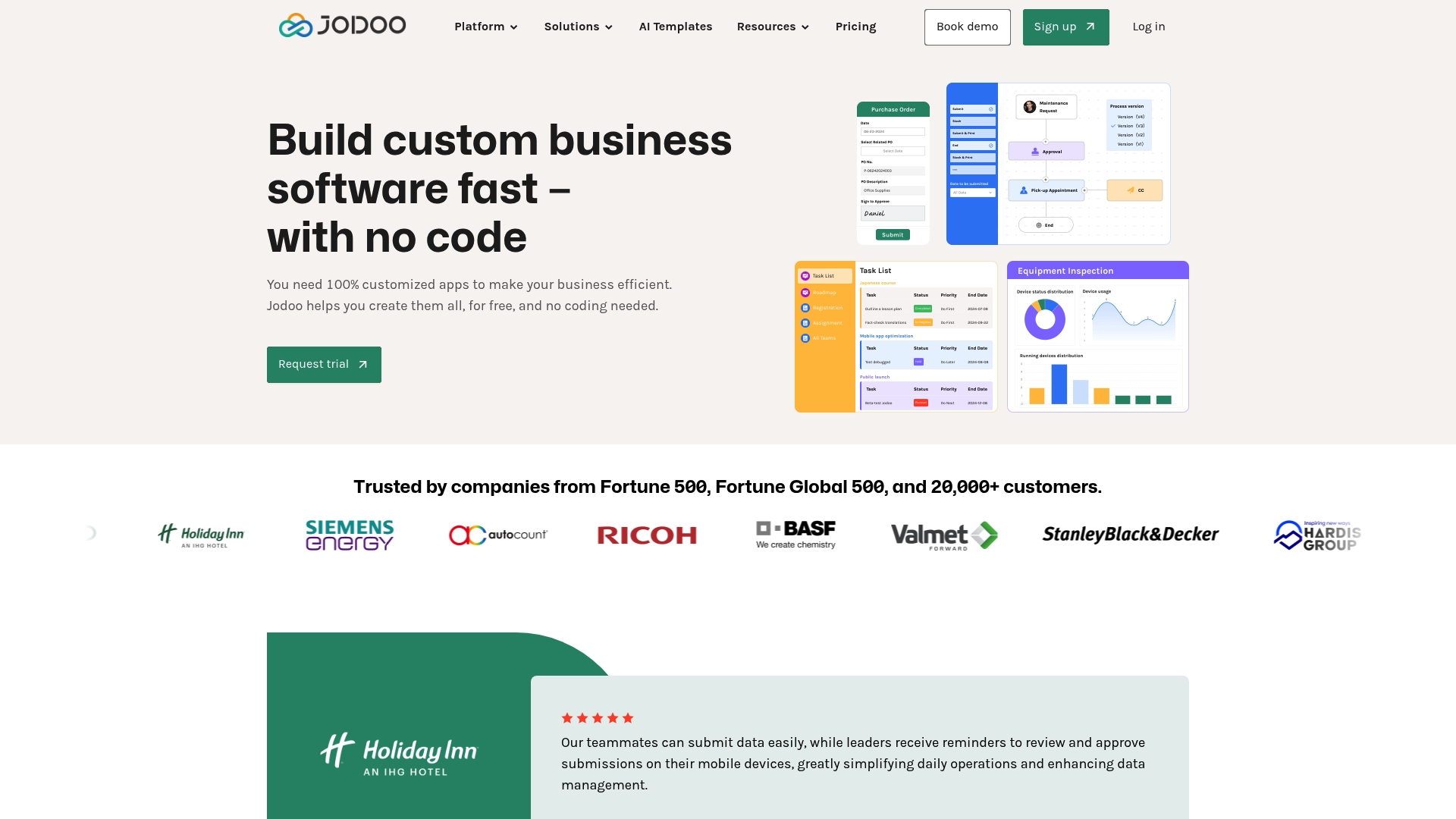
Jodoo reports being trusted by Fortune 500 companies and over 20,000 customers. That claim signals the vendor targets enterprise scale and formal security controls. The product bundles a visual builder, templates, workflow automation, dashboards, and a plugin marketplace to support internal business apps.
Core features
A visual app builder and ready templates let nontechnical teams create forms, reports, and mobile compatible apps with drag and drop. Workflow automation supports triggers, approvals, and conditional actions while data unification feeds real time dashboards and scheduled reports. Integrations include Zapier, Google Maps, Sendgrid, webhooks, custom APIs, and a third party plugin marketplace.
Key differentiator
Jodoo pairs enterprise grade security and scale with a no code development surface aimed at internal operations. The platform emphasizes role based access controls, audit logging, and plugin extensibility for complex workflows. That focus makes it suitable when teams need governed app development plus a wide set of integration options.
Pros
Nontechnical teams can build and iterate internal apps without writing code, using templates and drag and drop builders. The platform supports automation and role based access, and includes connectors for common services and custom APIs. The vendor's marketing materials state it can scale to handle millions of records and files, which matters for data heavy deployments.
Cons
- Advanced automation can be complex to configure and requires time to learn.
- Powerful customization options may overwhelm teams that lack formal training or governance.
- Pricing is not published on the website, which makes budgeting difficult before a sales conversation.
When it may not fit
If you need a public facing landing site or a lightweight brochure app, Jodoo may be more than you need. Small teams on tight budgets will find the lack of published pricing a barrier. Organizations with very large data volumes should evaluate cost and performance with a vendor proof of concept before committing.
Notable integrations
- Zapier
- Make.com
- Google Maps
- Sendgrid
- Webhooks
- Custom APIs
- Third party plugin marketplace
Who it's for
Organizations that want to democratize app development across operations and IT will find Jodoo relevant. It fits mid sized to large teams that require role based controls, auditability, and enterprise integrations. Operations, procurement, and IT departments that need internal business process apps will benefit most.
Real-world use case
A manufacturing company built a real time inventory management system that linked its e commerce platform and warehouse operations. Automated replenishment and sales updates cut stock errors and reduced processing times. The system monitored order flows and triggered purchase orders when thresholds were reached.
Pricing
Jodoo does not publish pricing on its website. The vendor provides custom quotes and demos for enterprise deployments. Expect procurement to require a conversation about data volumes, user seats, and support needs.
Website: https://jodoo.com
Glide
At a glance
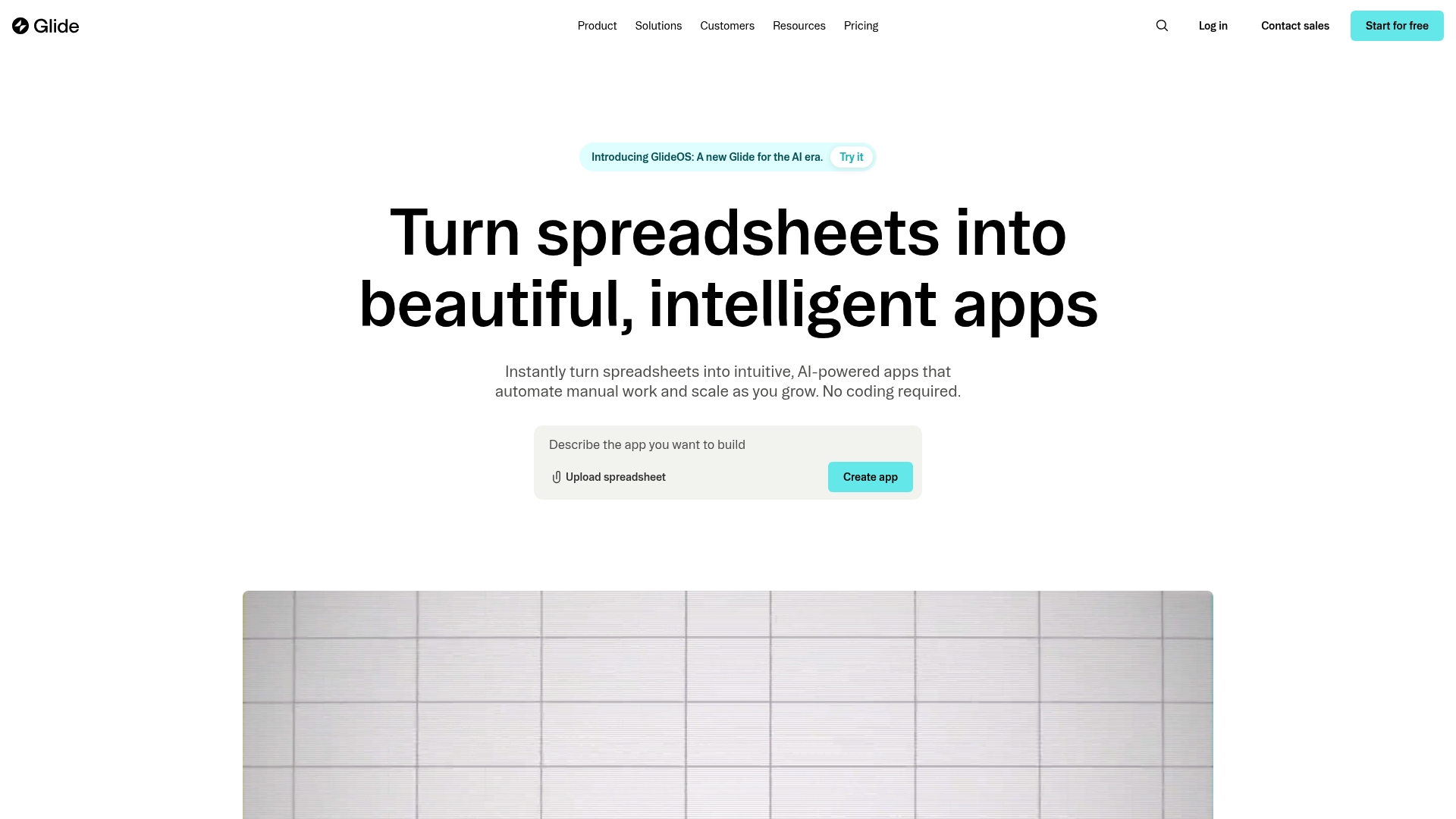
Glide reports it is trusted by over 100,000 companies. It converts spreadsheets into production apps with no code and includes AI features that accelerate app generation. Glide also offers custom projects through Glide Solutions for teams that need a tailored build.
Core features
Glide turns spreadsheets into apps and supports connections to Google Sheets and SQL so your existing data stays central. The platform uses AI to generate app layouts, automate routine workflows, and suggest optimizations as you iterate. Design options include responsive components such as forms, charts, and calendars that work across devices.
Key differentiator
Glide focuses on spreadsheet-first app creation and uses AI to generate and optimize apps directly from those sheets. That spreadsheet-first approach contrasts with Gainable, which targets multi-source workflows and natural language refinement across datasets like HubSpot and Stripe.
Pros
Glide makes prototyping fast and accessible for teams without developer resources, so you can ship a working app the same day and revise it quickly. The visual design tools produce modern, device compatible interfaces while automation and AI reduce manual updates. For organizations that need additional polish or bespoke integrations, Glide Solutions provides a vendor managed route, and that user count above speaks to broad enterprise adoption.
Cons
- Third party review detail is limited in the summary, which makes independent trade off analysis harder.
- Complex or highly customized workflows may face constraints when the app must diverge far from the underlying spreadsheet model.
- Pricing specifics are not listed in the product summary, so total cost of ownership is unclear without visiting Glide's pricing pages.
Who it's for
Teams and entrepreneurs who start with spreadsheets and need to rapidly prototype and scale internal tools will get the most value. Small to medium sized businesses that prefer a low barrier to entry for app building fit well. Organizations that need enterprise grade multi source orchestration may prefer a different solution.
Real-world use case
A mid sized retailer converts inventory spreadsheets into a shared stock management app. Staff update stock levels on mobile, managers view real time reports in the app, and reorder alerts run automatically. The company reduces spreadsheet email loops and gains immediate device access to inventory data.
Pricing
Glide does not list pricing in the product summary. Visit Glide's pricing page for current plan details and limits. For custom development through Glide Solutions, pricing is likely quoted per project and requires direct contact with the vendor.
Website: https://glideapps.com
Comparison of alternatives
Choosing the right platform for no-code application development depends on whether flexibility or ease of use is your top priority, as demonstrated by these tools.
Customizability and deployment options
Budibase stands out for organizations requiring rigorous control over their data infrastructure. Its open-source framework enables self-hosting, which provides organizations the ability to comply with stringent security standards or unique infrastructure requirements. This contrasts with platforms like AppSheet or Glide, which center on managed services, leaving enterprises less control over hosting specifics.
Integration ecosystems
For operations grounded strongly in tools like Google Workspace, AppSheet excels with its prebuilt connectors and deep integrations. It effectively integrates dynamic datasets from tools like Google Sheets, streamlining app creation. Conversely, platforms like Budibase or Jodoo offer broader integrative range but do not replicate the seamlessness AppSheet brings to organizations fully embedded in the Google ecosystem.
Best fit
- Organizations emphasizing security governance and infrastructure control should consider Budibase for its self-hosting capabilities.
- Teams centered on Google Suite tools will benefit significantly from AppSheet due to its strong integration and minimal technical overhead required.
- Medium to large enterprises prioritizing scalable role-based management and broad integration options may prefer Jodoo.
- Teams that start from a spreadsheet and want the fastest path to a working mobile app will find Glide the shortest path.
Where Gainable fits
Each of the platforms above starts from a builder surface: you describe what you want and configure the app around it. Gainable takes a different entry point. You connect your data — a spreadsheet, a CSV, HubSpot, Stripe — and Gainable infers the structure, relationships, and workflows, then materializes a complete app around them. No prompts required to get to a first working version. Prompting is the iteration layer once the app exists.
That data-first approach is the strongest fit when your workflow already lives in a spreadsheet or a connected source, and you want the app to reflect how your team actually operates rather than a generic template. For basic app prototyping tied to a single spreadsheet, or for on-premise deployments, one of the alternatives above will fit better.
| Product | Core feature | Key differentiator | Pricing | Limitation |
|---|---|---|---|---|
| Gainable | Data-first app generation | Builds a full app from your data with zero prompts required | Flat-rate per workspace | Managed cloud only; not for consumer apps or public sites |
| Budibase | Low-code app builder | Open source with self-hosting | Free, $19/month managed | Requires technical setup |
| AppSheet | No-code app building | Tight integration with Google Workspace | Starts at $5 per user/month | Heavy reliance on Google services |
| Jodoo | Visual app builder | Enterprise-grade security and plugin extensibility | Price not published | Powerful features may overwhelm non-technical users |
| Glide | Spreadsheet-first app creation | AI-driven app generation from spreadsheets | Price not published | Best for lightweight spreadsheet-based workflows |
See your data as an app
Most Softr alternatives ask you to describe your app first, then wire the data in. Gainable reads your data first and builds the app around it. Connect a spreadsheet, HubSpot, or Stripe, and Gainable infers your data model, generates the screens, and sets up the workflows in one pass. Refine anything after with plain-language queries.
See what your data looks like as a working app at gainable.dev.
FAQ
What are the best Softr alternatives for internal tools?
Budibase, AppSheet, Jodoo, and Glide are the four alternatives covered here. Budibase suits IT teams that need self-hosting and audit controls. AppSheet suits Google Workspace-centric teams. Jodoo suits mid-to-large enterprises with formal governance needs. Glide suits teams that start from a spreadsheet and need a fast mobile app.
Which Softr alternative is cheapest to start with?
Budibase is free for self-hosted open-source use, and its managed cloud starts at $19/month. AppSheet starts at $5 per user/month. Glide and Jodoo do not publish full pricing, so you will need to check current plan pages or contact sales.
Which of these tools supports self-hosting?
Budibase is the only alternative in this list with a self-hosted open-source option. AppSheet, Jodoo, Glide, and Gainable are managed cloud platforms.
How does Gainable differ from Softr and these alternatives?
Gainable's entry point is your data, not a builder surface. You connect a spreadsheet or a data source like HubSpot or Stripe, and Gainable infers the structure and generates a complete app automatically. Softr and most alternatives start from a template or a builder and require you to configure the data model manually. Prompting in Gainable is the iteration layer after the app exists.
Which tool is best for teams that already run on Google Workspace?
AppSheet has the deepest native integration with Google Sheets, Drive, and Cloud SQL, plus a Gemini-powered assistant. Teams already committed to the Google ecosystem will hit the fewest friction points there.