

Manual work and scattered tools slow down teams who need internal apps built quickly without developer help. Many no-code app builders limit customization, drive up per user charges, or require extra setup for data privacy and native integrations. You can compare pricing, customization, and integration support across four alternatives and match the best no-code app builder to your team’s needs.
Table of Contents
Gainable
At a Glance
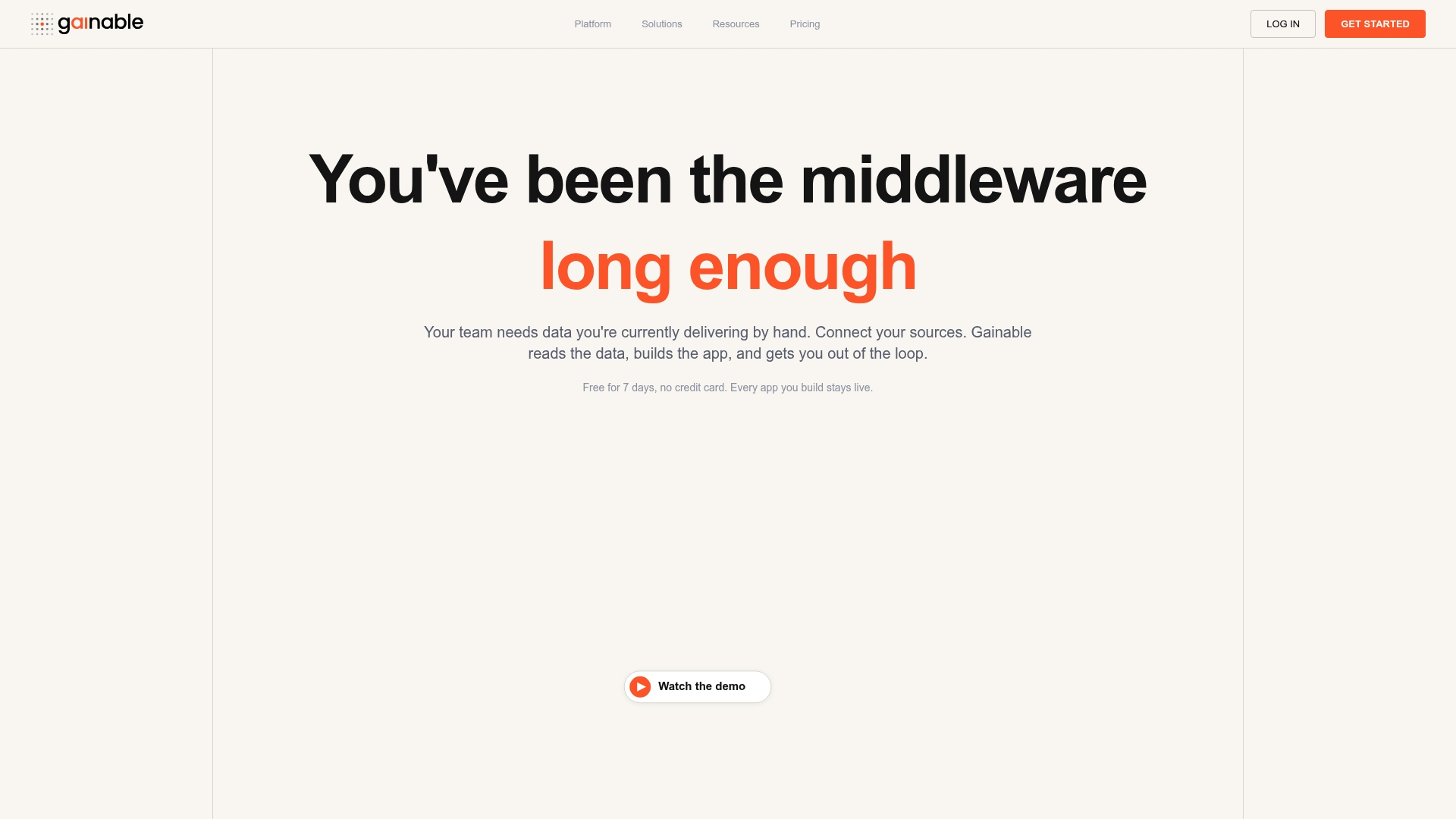
Auto-generating internal apps from connected HubSpot and Stripe data lets teams replace manual mapping and spreadsheets with live tools. The platform creates production ready apps from existing datasets without engineering. That flow reduces the time teams spend moving and reconciling data.
Core Features
Gainable’s App Builder turns connected data sources into internal apps you can use immediately, with authentication and audit logs included. The Copilot lets nontechnical people refine those apps by asking natural language questions, and Autopilot watches data and drafts suggested actions when trends appear. Data connectors, dashboards, and role based sharing complete the workflow.
Key Differentiator
Gainable stands out for rapid, no code app creation combined with natural language refinements and automation that run directly on existing data sources. It focuses on producing production ready tools you can deploy without writing integration code or building UI from scratch. That approach shortens the path from raw data to operational app.
Pros
Automatic data mapping speeds initial setup and reduces manual import work. Nontechnical team members can build and refine apps with the Copilot, removing the usual dependency on engineering or IT. Production readiness arrives with authentication controls, audit logs, and role based views that support simple governance. Built in chat and comments keep conversations contextual to records. According to the company, customers see faster deployment of tailored solutions and fewer hours spent on routine data handling.
Cons
- Limited visibility into how far customization can go for highly specialized workflows
Notable Integrations
- HubSpot
- Google Sheets
- Excel
- Airtable
- Stripe
- Jira
- Google Analytics
- Jenkins
Who It’s For
Teams that need internal apps, but lack engineering capacity will benefit most. Small to medium organizations that want to centralize CRM, billing, inventory, or operations data into live tools will find the entry point familiar. Product, sales, and operations teams that rely on HubSpot or Stripe data get immediate value.
Unique Value Proposition
Flat rate plans with no per user or per app fees make budgeting predictable as you scale app count and contributors. That pricing model, paired with auto generated apps from your existing data, shifts investment from custom development to configuration and user adoption. Teams gain faster operational changes without growing a dev backlog.
Real World Use Case
A sales team connected HubSpot and Stripe, built a live CRM, and used the platform’s AI features to draft follow ups and surface next steps. The result replaced spreadsheet workflows and reduced manual handoffs between sales and billing. The team improved responsiveness to customers while keeping a single source of truth.
Pricing
Flat rate subscription plans start at $99/month for Solo, $499/month for Team, and there are custom enterprise options. The plans do not charge per user or per app and include a free 7 day trial.
Website: https://gainable.dev
Zoho Suite
At a Glance
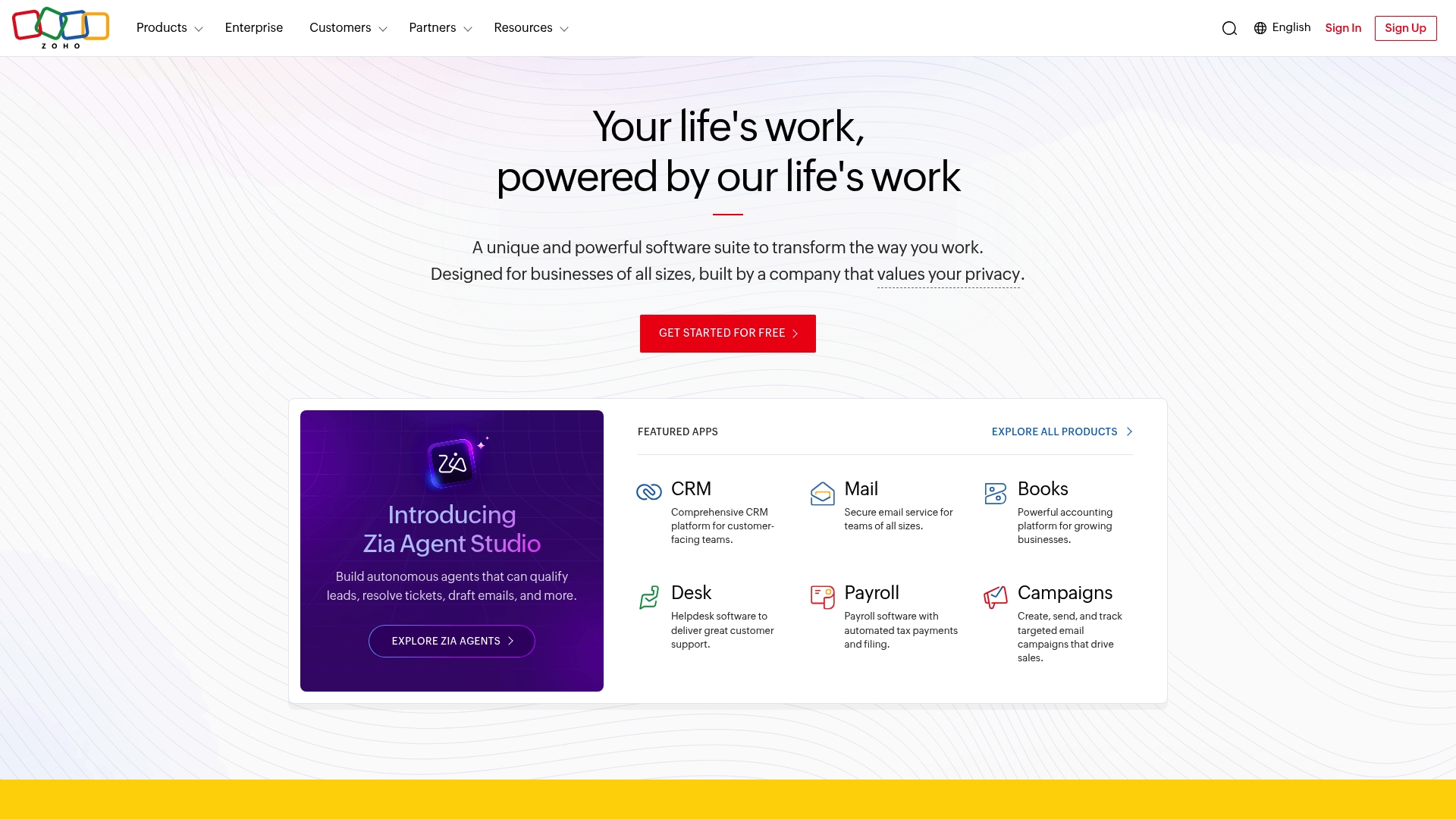
Over 50+ applications are bundled under one platform, giving teams a single place for CRM, email, accounting, support, and marketing. The vendor highlights regional data centers, including in the UAE, to support data residency and privacy needs. That scale aims to reduce the number of separate vendor relationships a company must manage.
Core Features
Zoho Suite combines CRM, email, accounting, helpdesk, and remote support into a unified platform so teams can share records and reporting. The suite includes an AI assistant called Zia that automates routine tasks and surfaces basic insights for sales and support workflows. Enterprise security controls and long term R&D investment are positioned to support large deployments and regulatory requirements.
Key Differentiator
The distinguishing factor is the breadth of apps delivered inside one ecosystem paired with a stated focus on privacy and long term value. That combination reduces the need to stitch multiple best of breed tools together when you want centralized access control and consistent data models. For buyers who place data residency and vendor longevity high on the list, this package targets those priorities.
Pros
The platform cuts down on tool sprawl by hosting many operational apps in one place, which can simplify billing and admin. Zoho emphasizes user privacy and says it does not monetize user data, a point IT and legal teams will appreciate. Built in AI features and regional data centers support automation and compliance for international teams, while three decades of vendor experience adds confidence for larger IT programs.
Cons
- Most capabilities require a paid subscription. Free or freemium options are limited and do not expose core enterprise features.
- Managing more than 50 applications raises operational complexity. Expect a training curve and a need for governance.
- Pricing can be expensive for small businesses at scale. Costs rise as you add seats and advanced modules.
Who It’s For
Mid sized to large businesses that want one vendor for CRM, finance, support, and marketing will get the most value. Organizations with strict data residency needs and privacy requirements will find the regional data center focus compelling. Teams planning a multi year digital transformation and willing to invest in governance and training will benefit most.
Real World Use Case
A mid sized company deployed Zoho One to unify sales, customer support, accounting, and marketing into shared records and dashboards. The move reduced duplicate subscriptions and centralized access control across teams. That consolidation also simplified audits and tightened data handling policies.
Pricing
Pricing starts at ₹1250/user/month for the Zoho One suite and follows a per user subscription model. Add ons and higher tiers raise the per user cost for advanced modules and enterprise controls.
Website: https://zoho.com
Knack
At a Glance
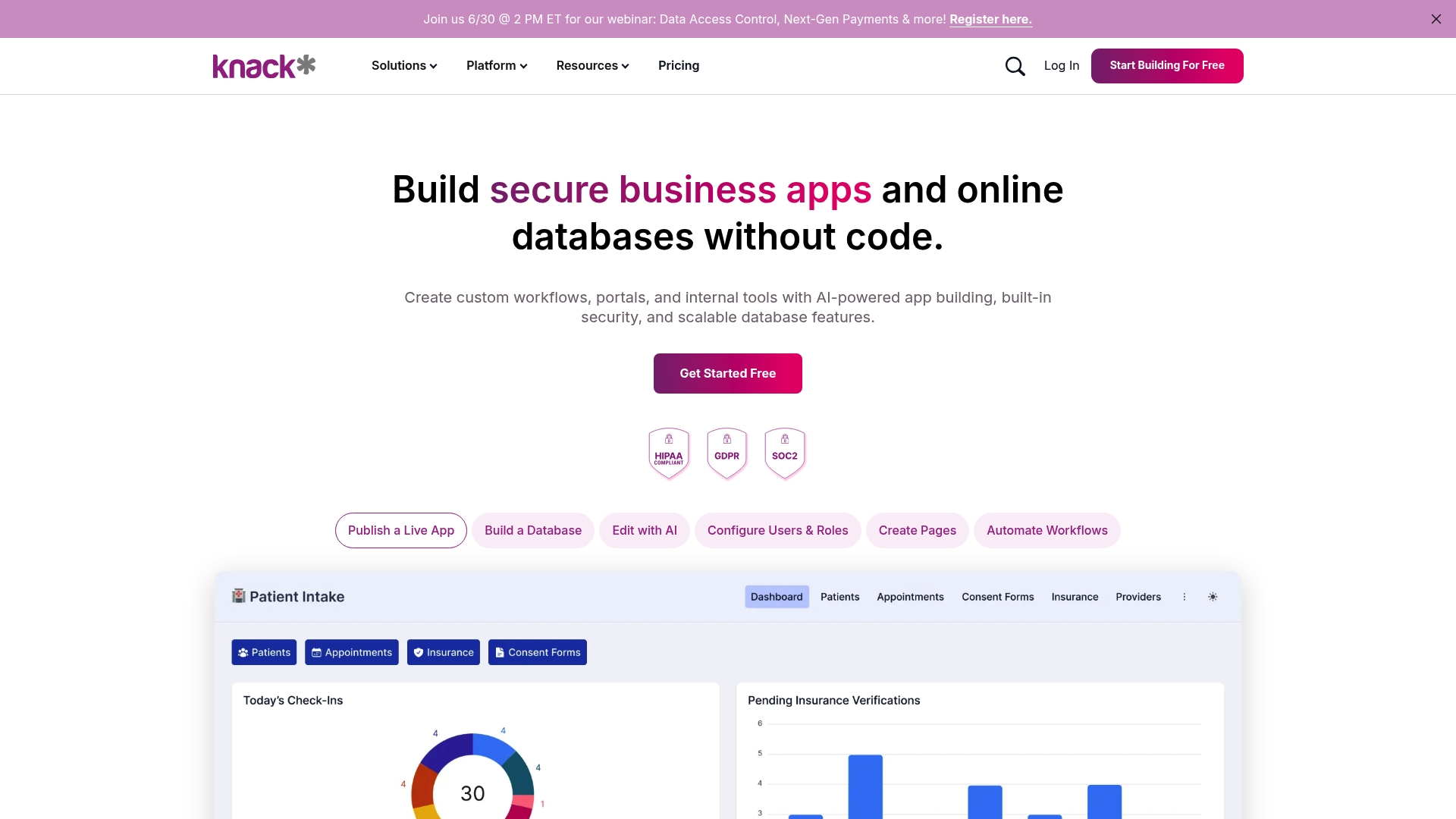
A local government replaced manual spreadsheets and gave over 200 staff access to a traffic data portal built with Knack. Knack’s marketing materials state enterprise security including HIPAA, GDPR, and SOC 2. That combination of a visual builder and those compliance claims makes it a fit for regulated teams that need custom apps fast.
Core Features
Knack offers a no code visual app builder that ties into a relational database for complex data modeling. The platform includes workflow automation and built in reporting and dashboards for operational reporting. It also advertises broad connectivity with more than 500 SaaS integrations to push and pull data between systems.
Key Differentiator
Knack pairs AI powered app creation with enterprise grade security and scalability in a business friendly interface. That mix targets non technical teams who need database driven apps with governance controls. The visual builder plus prebuilt components reduces repetitive setup work for common use cases.
Pros
Knack lets non technical team members build and update apps without writing code, which reduces dependence on IT for small to medium projects. It supports complex relationships and automation so you can model real business processes rather than flatten data into spreadsheets. The platform also offers a rich template library and many connectors for automating tasks across tools, and the vendor highlights enterprise level security.
Cons
- Some buyers report the platform feels expensive for small scale projects and that costs can rise as apps grow.
- Advanced automation and complex data structuring have a learning curve for non technical builders.
- A few users raised data privacy questions depending on deployment and configuration.
When It May Not Fit
If you need an offline or on premises deployment, Knack may not match your requirements. Large organizations with heavy custom infrastructure needs might find the platform restrictive for deeply bespoke integrations. Small teams on tight budgets should model expected costs before committing because complexity can increase pricing.
Notable Integrations
Knack connects to common automation and payment tools such as Zapier, Make, Albato, Stripe, PayPal, QuickBooks, and HubSpot. These integrations support form intake, billing workflows, accounting syncs, and CRM updates without custom middleware.
Who It’s For
Knack suits non technical business professionals, operations teams, and small to medium enterprises that need secure, database driven applications. It works well for teams that want to move away from spreadsheets but cannot dedicate development resources. IT teams can still control users and permissions while business teams build apps.
Real World Use Case
A local government used Knack to publish traffic metrics and replace spreadsheet based reporting. The portal centralized records and shortened report preparation time for more than 200 staff. That deployment shows how a department can go from manual files to a governed app with limited developer input.
Pricing
Knack lists pricing on its site rather than a public starting figure. The vendor documents tiered plans and usage based limits on the pricing page. Review the pricing page to compare tiers and confirm which plan includes the connectors and security features your project needs.
Website: https://knack.com
Glide
At a Glance
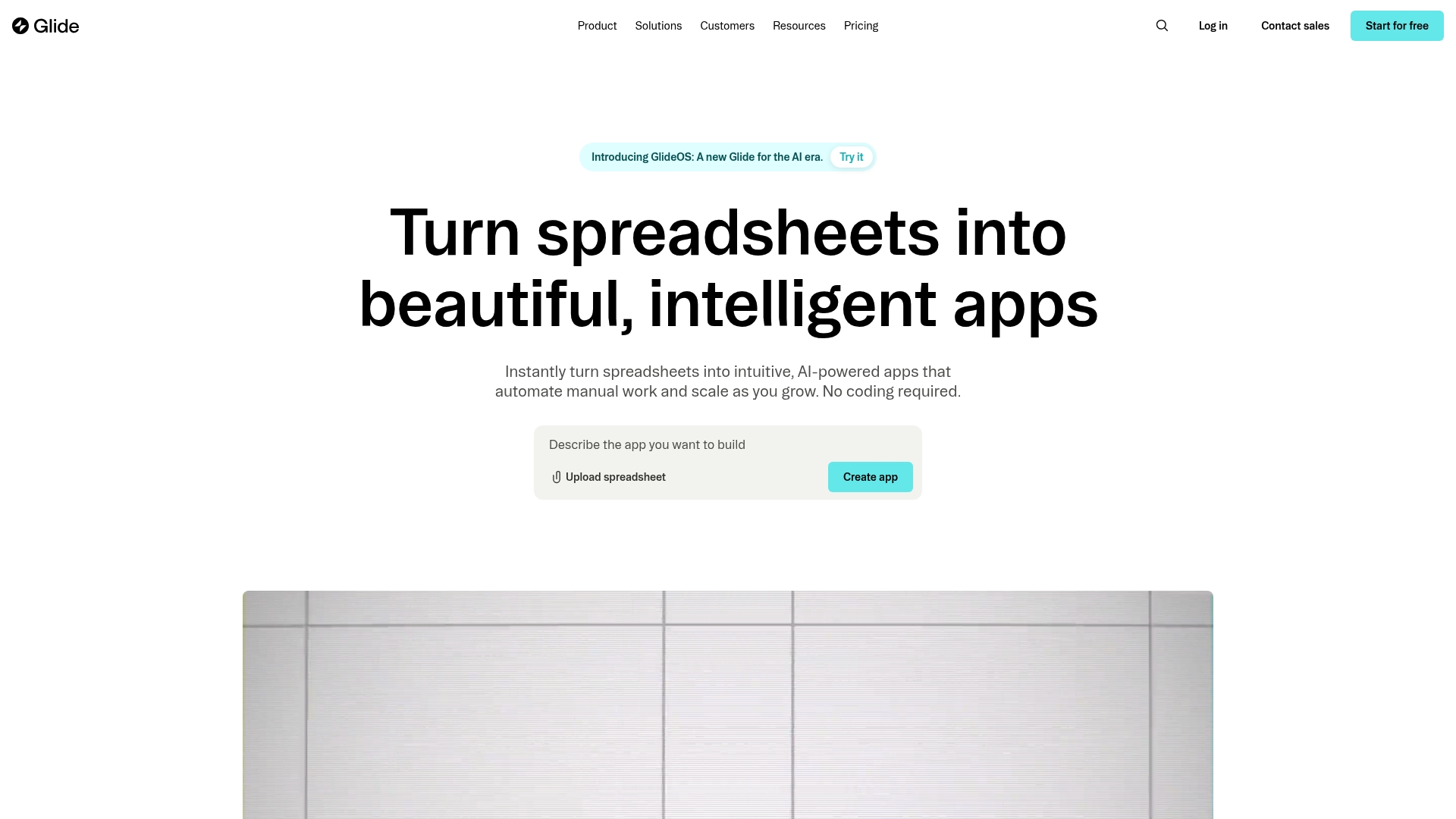
Glide reports being trusted by over 100,000 companies. It converts spreadsheets into interactive apps without coding and adds AI features for content generation and task automation. The platform targets use cases from inventory to customer portals and adapts as teams add data and users.
Core Features
Glide turns spreadsheets into interactive apps that update as your data changes and requires no code to edit layouts or logic. It connects to Google Sheets, SQL, and Airtable and offers built in workflow automation alongside Glide AI for chat driven content and task creation. Templates and portal components let teams assemble dashboards, CRMs, and field service tools quickly while keeping data central.
Key Differentiator
Glide’s standout feature is the speed at which teams can convert spreadsheet logic into full featured apps that include AI powered automation. That approach reduces the gap between a spreadsheet and a user facing application, making business users the primary builders. The result favors fast iteration on operational workflows without heavy developer cycles.
Pros
Non technical users can create and modify complex apps rapidly, so product cadence stays with operations teams rather than engineering. The platform supports many common data sources and offers templates that shorten build time for inventory, portals, and dashboards. Glide also integrates AI features for generating content and automating routine tasks, which can cut manual work in workflows that rely on repetitive updates. The platform claims scalability for small teams up to enterprise level organizations, and that figure supports adoption across different company sizes.
Cons
- Enterprise integrations can require extra development or vendor support to handle very complex or custom systems.
- Offline capabilities are limited, which affects field teams that need persistent local access.
- Costs can rise as usage and active user seats grow, so long term budgets require planning.
When It May Not Fit
If your project requires deep, custom integrations with legacy systems you will likely need additional engineering resources. Teams that must operate reliably without internet access will encounter feature gaps. Organizations with strict, heavy duty security controls may need a custom deployment or enterprise service that goes beyond the platform’s standard offerings.
Who It’s For
Glide fits business teams, operational managers, and entrepreneurs who want to build internal or customer facing applications quickly without hiring developers. It works well for groups that already manage processes in spreadsheets and want a user friendly app layer on top. The platform appeals to teams that favor rapid iteration and visual control of workflows.
Real World Use Case
A logistics team built a route planning and shipment tracking app from their spreadsheet, then added live updates and AI assisted route suggestions. Field workers used the app on tablets to record deliveries and managers used dashboards to monitor performance. The company replaced several manual spreadsheets with a single app that synced updates in real time.
Pricing
Glide offers a Free tier for basic use and prototyping. Paid Business plans start at $199/month billed yearly and add team features, higher limits, and enterprise options for larger deployments. Pricing rises with active seats and advanced usage, so calculate projected volume before committing.
Website: https://glideapps.com
Comparison of alternatives
Rapid app deployment and ease of use contrast with comprehensiveness and ecosystem coverage in this evaluation. Each platform offers distinct benefits depending on organizational scale and complexity requirements.
Simplicity Versus Capability
Gainable delivers immediate functionality by transforming data sources into deployable apps with built-in governance features, appealing to teams constrained by engineering capacity. Glide simplifies app creation from spreadsheets, enabling quick adaptation with user-friendly designs and templates. Glide clearly wins for businesses needing rapid spreadsheet conversion into interactive tools, leveraging its template library and AI-driven automation.
Ecosystem Costs
While Gainable offers flat-rate pricing, Zoho Suite demands a per-user cost model that scales significantly with additional users and modules. However, Zoho’s included suite of over 50 applications consolidates diverse business functions such as CRM, accounting, and marketing. Zoho provides a marked advantage for organizations prioritizing integration for extensive operational needs. The cost increase aligns with the depth of its ecosystem, making scalability a focal consideration.
Best fit
- Teams needing ease of setup and governance find the flat-rate model in Gainable ideal for remaining budget-conscious while centralizing CRM and billing into practical apps.
- Large enterprises needing compliance-certification and data residency solutions benefit from Zoho’s breadth of regional data centers tailored for international deployments.
- Organizations requiring a single command hub for CRM, accounting, and marketing workflows see Zoho as the strongest choice given its integrated offerings.
- Teams balancing cost concerns alongside simplicity may favor Glide’s streamlined approach to rapidly turning spreadsheets into functional apps.
Our pick
Gainable represents the top choice for teams seeking immediate app functionality without the reliance on development cycles. Its ability to auto-generate apps directly from connected data sources, combined with flat-rate pricing, demonstrates value for small to medium organizations relying on synchronized CRM and billing data sources. However, larger companies with complex integration requirements or those prioritizing complete ecosystem solutions may prefer Zoho Suite or Knack, depending on operational needs and compliance priorities.
To determine which no-code app builder best suits your need for rapid deployment and automation, consider the following comparisons:
| Product | Key feature | Best for | Pricing | Notable limitation |
|---|---|---|---|---|
| Gainable | Auto-generating internal apps with native data integrations | Teams needing fast operational tools without engineering | Starting at $99/month | Limited advanced customization for niche workflows |
| Zoho Suite | Comprehensive ecosystem integrating 50+ apps for CRM, support, and more | Large businesses prioritizing an all-in-one vendor | ₹1250/user/month | High initial complexity and steep training curve |
| Knack | No-code app builder with AI powered workflows | Non-technical teams creating database-driven apps | Price not published | Complex setup for advanced automation |
| Glide | Convert spreadsheets into dynamic apps with AI features | Rapid internal app creation for operations teams | Free tiers, paid plans starting at $199/month | Costs can rise with scale and features |
Facing challenges with HubSpot no-code alternatives for internal apps?
Managing multiple data sources like HubSpot and Stripe can slow your teams down with manual data handling and spreadsheet chaos. Gainable solves this by auto-generating production ready internal apps from your existing datasets, with no coding needed. It frees small to medium organizations and product, sales, or operations teams from relying on engineering for custom apps. You get live dashboards, role-based sharing, and AI-powered refinements that cut the time spent on data mapping and reconciliation dramatically.
Gainable lets you
- Replace manual workflows with dynamic internal tools
- Build and update apps with simple natural language queries
- Keep teams aligned with built-in chat tied directly to data
Stop juggling spreadsheets and complex integrations. Try Gainable to connect your HubSpot data quickly and see how your team can focus on real work. Visit Gainable and import your CRM and billing data to generate live apps tailored for your workflow in minutes.
FAQ
What features make Gainable an ideal app builder for nontechnical users?
Gainable enables nontechnical team members to create and refine apps easily with its Copilot feature. This allows users to ask natural language questions and receive app refinements, promoting user independence from IT. To maximize your team’s efficiency, consider utilizing Gainable’s no-code capabilities.
How does Gainable compare to Zoho Suite for CRM tasks?
Zoho Suite offers a comprehensive set of over 50 applications, including CRM, email, and support tools, which can help organizations manage all operations under one platform. Gainable, in contrast, specializes in transforming connected data sources into operational apps quickly without requiring coding expertise. For focused app development without extensive CRM needs, Gainable may be the better choice.
Which pricing tier of Gainable is most suited for small teams?
Gainable’s Solo plan starts at $99 per month, making it accessible for small teams. This plan includes essential features like authentication controls and audit logs, ensuring security while meeting operational needs. If you’re looking to launch your first app, this tier can provide what you need without overspending.
Can Gainable help my team automate routine tasks?
Yes, Gainable features an Autopilot function that watches data and suggests actions when trends appear. This capability automates routine tasks, allowing your team to focus on more critical operations. Leveraging this feature can streamline your daily processes effectively.
What is a potential drawback of using Gainable for complex workflows?
Gainable may have limitations in customization for complex workflows, as noted in its cons section. If your team requires highly specialized functions, assessing the app’s suitability for those unique needs is essential. Overall, Gainable is designed for efficiency, but consider your specific requirements.