
Software tools are the programs teams use to plan, build, test, deploy, and monitor applications, split into categories like editors, version control, build systems, testing frameworks, CI/CD, containers, and project management. The right pick depends on the job at hand: what phase of the software development lifecycle you’re solving for, not which tool has the flashiest feature list. Integration and governance decide whether your stack actually works together or if it just piles up.
TL;DR:
- Teams shipping frequent releases or running production software should prioritize version control, testing frameworks, and monitoring tools from day one.
- Large-scale or distributed projects require integrated build tools, infrastructure for reproducibility, and automated CI/CD pipelines to ensure efficiency and consistency.
- Tool selection must consider scale, security, and integration capabilities, with emphasis on running real deployment cycles to identify hidden limitations.
- Two-way data synchronization and unified data models eliminate manual exports, reducing stale information and operational friction across systems.
- Future tooling developments will focus on enhanced security, auditability, and AI-driven automation, especially as autonomous agents gain more control over deployment and code management.
Table of Contents
- What Are the Main Categories of Software Tools?
- How Do These Tools Map to Each Phase of the SDLC?
- How Should You Choose Tools for Your Team?
- Why Two-Way Sync Matters More Than Most Teams Realize
- What Security and Governance Practices Do Modern Tools Need?
- Where Is Software Tooling Headed Next?
- When Does a Live-App Approach Fit Your Tooling Strategy?
- Turn Your Spreadsheet Into a Working App, Not Another Export
- Sources
What Are the Main Categories of Software Tools?
Every development stack breaks down into a handful of job categories, and knowing which one you’re shopping for saves you from comparing apples to spreadsheets.
Editors and IDEs are where code actually gets written. A tool like Visual Studio bundles debugging, testing, Git integration, and CI/CD hooks into one workspace, and increasingly, AI-assisted coding suggestions too. Modern IDEs try to keep more of the development cycle inside a single window instead of forcing developers to bounce between five separate apps.
Version control systems (VCS) like Git track every change to a codebase and let multiple people work on the same project without stepping on each other. This category is close to non-negotiable. Even a two-person team benefits from having a history they can roll back.
Build tools turn source code into something that actually runs. Systems such as Make, Maven, Gradle, Bazel, and Meson automate compiling, linking, and packaging, and they support incremental builds so you’re not recompiling the entire project every time you change one line.
Testing frameworks verify the code does what it’s supposed to before it reaches a user. This spans unit test libraries, integration test suites, and end-to-end frameworks that simulate real user behavior.
CI/CD tools automate the path from committed code to running software. Jenkins and GitHub Actions are common automation servers that manage compilation, packaging, and deployment without a human manually pushing each step.
Containers package an application with everything it needs to run, so it behaves the same on a laptop, a test server, and production. Docker is the dominant name here.
Project and issue tracking tools manage the human side: who’s building what, what’s blocked, what shipped. Jira and Linear fall into this bucket.
Monitoring and observability tools watch software after it’s live, flagging errors, latency spikes, or outages before customers notice.
Here’s how to think about which categories are essential versus optional for your situation:
- Solo developers or small prototypes can often skip heavyweight CI/CD and observability at first.
- Teams shipping to real customers need version control and testing frameworks from day one, no exceptions.
- Any team with more than a handful of releases per month benefits from automated CI/CD over manual deployment.
- Distributed teams or large codebases eventually need dedicated build tools, since manual compilation stops scaling fast.
- Anyone running production software needs monitoring, even if it starts as a single alert on a single metric.
How Do These Tools Map to Each Phase of the SDLC?
Software tools aren’t interchangeable parts. Each one solves a specific problem at a specific point in the lifecycle, and understanding that sequence is what turns a pile of apps into an actual pipeline.

-
Plan. Work starts in a project tracker like Jira or Linear, where a feature gets broken into tickets, assigned, and prioritized. This is also where teams decide scope and dependencies before anyone writes a line of code.
-
Build. A developer writes code in an IDE such as Visual Studio, commits it to a version control system, and a build tool compiles it into a runnable artifact. Bazel and similar tools handle dependency management here, particularly on large codebases where a change in one module can quietly break three others.
-
Test. Automated test suites run against the freshly built artifact, usually triggered the moment code is pushed. Unit tests catch logic errors, integration tests catch the ones that only show up when pieces interact, and this stage is where most bugs should get caught before a human ever sees them.
-
Deploy. A CI/CD pipeline picks up the tested build and pushes it into a container, then ships that container to staging or production. This is the stage where automation earns its keep. A pipeline that runs the same way every time removes the “it worked on my machine” problem almost entirely.
-
Operate. Once software is live, monitoring and observability tools track performance, catch errors, and alert the team before users file a complaint.
A real workflow chains all five stages together: a ticket in Jira triggers a code change, Git tracks it, Bazel builds it, a test framework validates it, GitHub Actions packages it into a Docker container, and a monitoring tool watches it once it’s live. Break any single link, and the whole chain stalls.
Two categories cut across every phase instead of sitting in one lane. Version control shows up in planning (branching strategy), building (source of truth), and even deployment (tagging releases). Issue trackers do the same. A ticket opened during planning often stays open through testing and only closes once monitoring confirms the fix actually worked in production.
How Should You Choose Tools for Your Team?
The honest answer is that there’s no universal best tool, only the best fit for your team’s scale, risk tolerance, and existing stack. Six criteria consistently separate a good decision from a costly one.
- Scale. A five-person team and a five-hundred-engineer org need fundamentally different build systems. What works for a weekend project buckles under a monorepo.
- Reproducibility. Can the same commit produce the same build every time, on every machine? Bazel’s hermetic build model exists specifically to guarantee this, trading some raw speed for correctness on projects where a flaky build is expensive to debug.
- Integration surface. Does the tool talk to what you already use, or does it demand you rebuild your workflow around it?
- Security and governance. Who can approve a merge? Who can deploy? Can you audit every action after the fact?
- Licensing and cost. Open source tools carry maintenance overhead; commercial tools carry subscription costs. Both are real expenses, just paid differently.
- Community and maintenance. A tool with an active community gets bugs fixed faster and has more documentation when something breaks at 2 a.m.
The classic trade-off is speed versus correctness. A fast build that occasionally produces subtly wrong artifacts is a liability on anything mission-critical, which is why teams running large-scale infrastructure tend to favor reproducibility even at some cost to raw build speed. A second trade-off is flexibility versus simplicity: a tool that does everything usually takes longer to configure than one that does one thing well.
Before committing, ask any vendor or open source maintainer these questions: How does this handle a rollback? What happens to our data if we cancel? Can it enforce role-based access out of the box? Does it have an audit log we can actually read?
Pro Tip: Run any new tool through a real deploy cycle, not just a demo. A tool that looks great importing sample data often reveals its rough edges the moment it touches your actual, messy production dataset.
Why Two-Way Sync Matters More Than Most Teams Realize
A huge amount of operational friction traces back to one habit: exporting data from one system, editing it somewhere else, and importing it back. Every export is a snapshot, and snapshots go stale the second someone else updates the source. It’s the same failure mode we wrote about in the spreadsheet your team can’t read, and the fix isn’t a better export button. It’s removing the export step entirely.
A two-way synced app keeps one source of truth instead of five copies drifting out of sync. Common integration patterns look like this:
- Connectors that pull data automatically from tools like HubSpot, Stripe, Jira, or Airtable instead of manual CSV downloads.
- Unified data models that merge multiple sources into one coherent record on a key you choose, so a customer’s sales history and support tickets sit side by side.
- APIs that let other systems read and write to that same record programmatically.
- Two-way sync, where changes made in the app write back to the original source instead of leaving it stale.
Picture a warehouse team tracking inventory in a spreadsheet that gets emailed around weekly. Someone updates a count, forwards the file, and by the time it reaches ops, three other people have already made their own edits to their own copies. Turning that same spreadsheet into a live app means every update happens in one place, in real time, and the app can push changes back to the original sheet automatically. The email chain disappears, and so does the guesswork about which version is current.
What Security and Governance Practices Do Modern Tools Need?
Reproducibility and security aren’t separate concerns anymore. They overlap the moment automation and AI agents start touching your build pipeline.
Hermetic builds isolate the build process from the machine it runs on, so the same code produces the same output regardless of environment. Distributed caching, a core feature of tools like Bazel, speeds up rebuilds in large codebases without sacrificing that guarantee.
Container sandboxing limits what a process can touch, which matters even more once AI agents start executing tasks autonomously. Docker’s sandboxing and hardened image features exist to make that kind of automated execution auditable rather than a black box.
Practical safeguards worth requiring from any modern stack:
- Signed container images, so you know an artifact hasn’t been tampered with.
- Minimal base images, which shrink the attack surface by removing what you don’t need.
- Automated patching, so known vulnerabilities don’t sit unaddressed for months.
- Identity-bound audit logs, particularly for anything an AI agent touches on its own.
Where Is Software Tooling Headed Next?
The shift from AI copilots to autonomous agents is the biggest change on the horizon. Copilots suggest code; agents execute tasks, which raises the stakes on governance considerably. Security and sandboxing are becoming as central to tool design as raw functionality, especially as agents get permission to open pull requests or touch production systems without a human clicking every button.
Expect more tooling built around auditability by default, not as an add on. Monorepo tooling will keep pushing toward distributed caching, since large codebases increasingly rely on it to keep rebuild times sane as they scale. Teams evaluating new tools in 2026 should weigh governance features as heavily as speed or feature count.
When Does a Live-App Approach Fit Your Tooling Strategy?
Most teams already have the data they need. What’s missing is a live interface instead of a spreadsheet that six people edit separately. Gainable builds that interface directly from the data you already have, merging spreadsheets and connected tools into one synced record instead of another glue script nobody wants to maintain.
Choose an integration-first approach when your bottleneck is stale data and manual handoffs, not missing functionality. Piecing together scripts still makes sense for narrow, one-off automations.
— Rickard
Turn Your Spreadsheet Into a Working App, Not Another Export
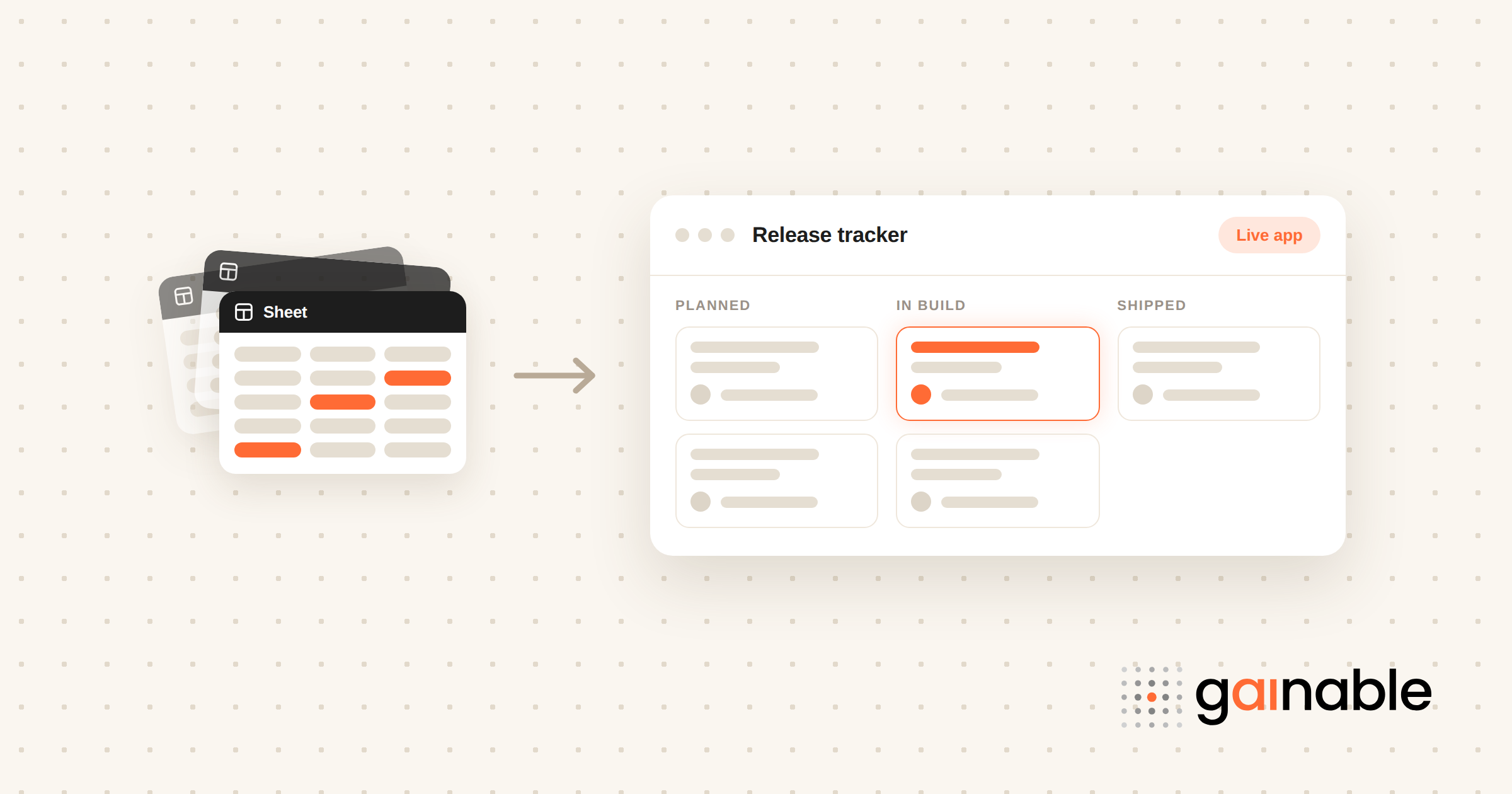
Gainable skips the agency retainer and the developer backlog entirely. Point it at a spreadsheet and it reads the columns you already have, infers the structure and the relationships, and builds a working app from them. No prompt to write, no blank canvas. That’s a faster path to a real tool than waiting on a dev team to prioritize your ticket.
The generated app keeps working with your existing release plan, inventory sheet, or collections tracker, and it syncs both ways, so updates in the app write back to your original spreadsheet instead of leaving it stale. Authentication, role-based access, dashboards, and audit logs come standard. Gaia Autopilot watches the app data for anomalies and drafts the follow-up action for someone to approve, with every trigger and outcome recorded in the action log, so recurring cleanup gets handled before it piles up.
If you’re tired of maintaining five versions of the same sheet, start with the App Builder and see what your own data looks like as a real application.