
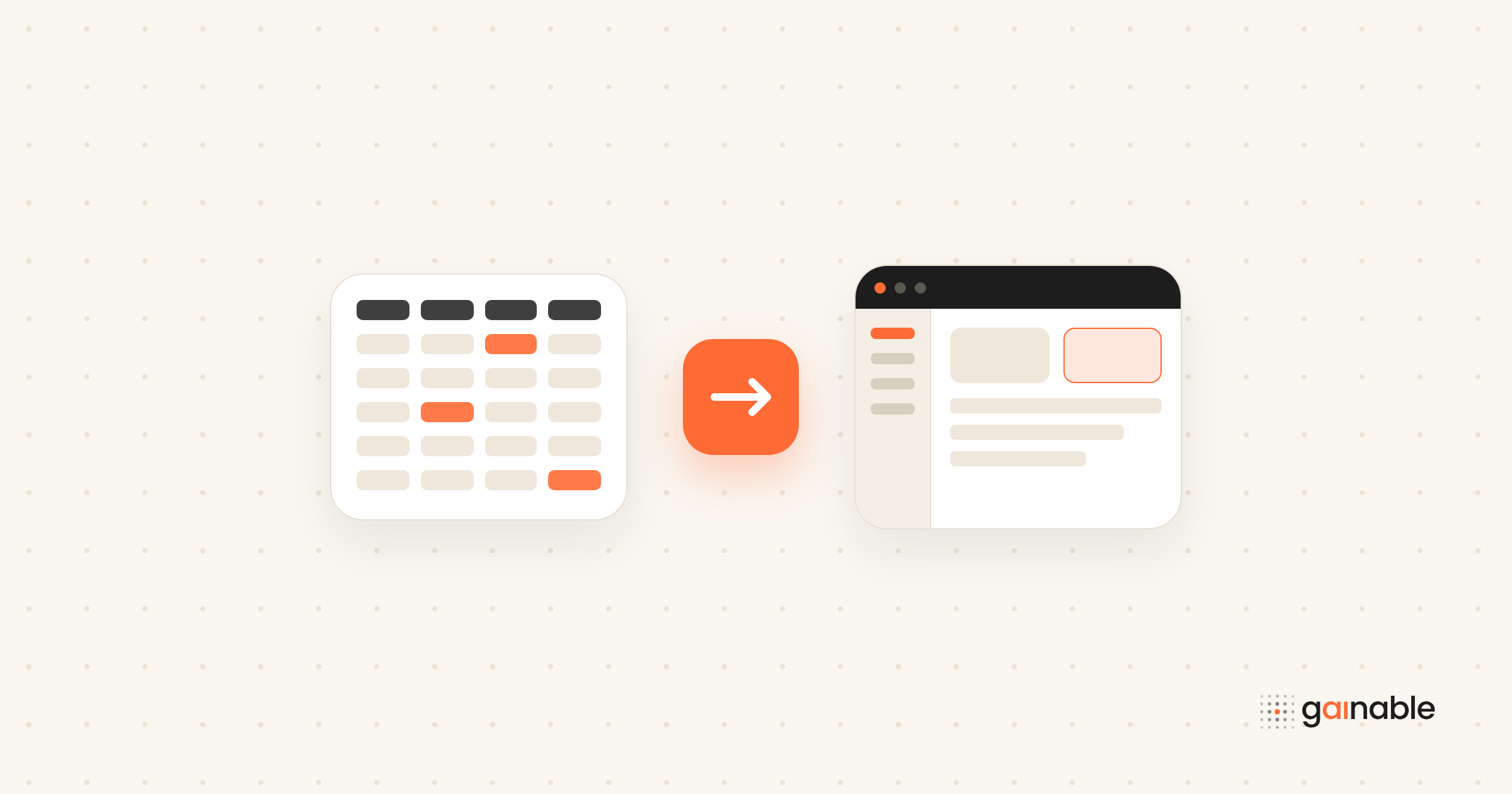
Yes. Google Sheets is web-accessible by default, which means it already functions as a live data backend you can build on. You have four practical routes in, and the right one depends on your skills and how far the app needs to scale.
Developers usually start with a Google Apps Script web app, deployed straight from the script editor. If you need something server-side with heavier traffic, the Google Sheets API gives you REST access with real authentication. No-code users get Sheets canvas and Gemini-powered visual builders that turn a sheet into an interactive mini-app without a line of code. And when you need something that looks and behaves like real software, a spreadsheet-to-app generator builds the full-stack version for you.
- Small internal tool, one team, low traffic: Apps Script
- External users, high volume, or typed data contracts: Sheets API
- No coding skill, fast prototype: Sheets canvas
- Need auth, audit logs, dashboards, and integrations: a generator like Gainable
Pro Tip: Pick your route by asking one question first: who else besides you needs to write to this sheet at the same time? That answer eliminates two of the four options immediately.
Key Takeaways
A Google Sheets web app works well for small, low-concurrency tools, but auth, audit trails, and two-way sync require either the Sheets API or a generator built for that job.
| Point | Details |
|---|---|
| Sheets is already a web app | Sheets runs at sheets.google.com by default, making it a ready-made backend for simple tools. |
| Match the method to scale | Apps Script suits internal tools; the Sheets API suits external, high-volume apps. |
| Permissions come first | Set sharing, scopes, and OAuth or service account access before writing app logic. |
| Concurrency is the real limit | Multiple simultaneous writers, not code quality, causes most Sheets-backed app failures. |
| Generators close the gap | Gainable builds auth, audit logs, dashboards, and two-way sync directly from an existing sheet. |
Table of Contents
- Requirements and Permissions for a Google Sheets Web App
- How Do You Deploy an Apps Script Web App?
- What’s the Best Way to Pull Data From Sheets Into an App?
- How Do You Test and Debug a Sheets-Backed App?
- How Do You Embed and Share a Sheets-Driven App Safely?
- When Should You Code Instead of Using a No-Code Builder?
- What Actually Happens When Teams Outgrow a Spreadsheet App?
- From Spreadsheet to Full App Without Rewriting Everything
- Where to Go Next for Official Docs and Examples
- Sources
Requirements and Permissions for a Google Sheets Web App
Before you write a single line of code, get your access model right. Most broken Sheets-backed apps trace back to a permission mismatch, not a coding bug.
- Confirm file access. Decide whether your app needs editor or viewer rights on the Sheet, and share it accordingly. An app that only displays data needs viewer access; one that writes rows needs editor.
- For Apps Script: your project needs scopes like
SpreadsheetAppand sometimesDriveApp, and Google will prompt users to authorize those scopes the first time the script runs. - For server-side apps: enable the Sheets API in Google Cloud Console, then create either OAuth credentials or a service account.
- Choose your auth model deliberately. Service accounts work well for automated, server-to-server jobs, but the account needs to be explicitly added as an editor on the Sheet. OAuth client flows fit better when the app takes action on behalf of an actual signed-in user.
Quota limits apply once you’re past a hobby project. High-volume reads and writes against the Sheets API can hit rate limits, so budget for batching requests rather than firing one call per row.
How Do You Deploy an Apps Script Web App?
Publishing an Apps Script project as a web app takes a handful of decisions, not just a deploy button click. Google’s own Web Apps guide walks through the mechanics, but here’s the sequence that avoids the common traps.
- Build the script project. Implement a
doGet(e)function to serve pages anddoPost(e)to handle form submissions or data writes, using HTML Service for the front end. - Deploy it. From the editor, choose Deploy, then New Deployment, then select “Web app” as the type.
- Set execution and access. Decide whether the script runs as you (the developer) or as the user accessing it, and choose who can open it: only you, your organization, or anyone with the link.
- Version deliberately. Every deployment gets a version number. Test new logic against a fresh test deployment before pushing changes to the version your live users actually hit.
- Test across accounts. Open the deployed URL from an incognito window or a colleague’s account to confirm the access setting behaves the way you expect.
The traps that trip people up most often: running the script “as you” when it needs to run “as the user,” forgetting that a scope change requires re-authorization, and assuming CORS won’t matter because it’s “just Google” (it does, especially once you’re calling the web app from an external front end).
Pro Tip: Keep one deployment frozen as your production URL and iterate on a separate test deployment. Swapping the live URL every time you tweak code is how internal tools quietly break on a Friday afternoon.
What’s the Best Way to Pull Data From Sheets Into an App?
The method you choose changes your app’s speed, reliability, and how many people can write at once.
- Apps Script (SpreadsheetApp) is the simplest option for apps that already live inside Google’s ecosystem. It handles small-scale reads and writes well but slows down under heavy concurrent traffic.
- Google Sheets API (REST) is the right call when your app runs on an external server. It gives you typed requests, batch updates, and considerably more throughput than script-based calls.
- Visualization API, CSV/JSON export endpoints, and client-side fetch work well for read-only dashboards. Community threads document these patterns extensively, since they’re the fastest way to get a chart or table live without touching auth flows.
- Embedded iframes are the lowest-effort option when you just need a live view of a sheet or chart on another page.
| Method | Best for | Main trade-off |
|---|---|---|
| Apps Script | Internal tools, small teams | Slows down with concurrent writers |
| Sheets API | External apps, high volume | Requires OAuth or service account setup |
| Visualization/CSV export | Read-only dashboards | No write access, some data lag |
| Embedded iframe | Quick display, no logic | No interactivity, limited styling control |
Concurrency is the real limiter across all four. A sheet with five people editing rows at once behaves very differently from one person filling out a form, and none of these methods solves that on its own.
How Do You Test and Debug a Sheets-Backed App?
Catching errors before users do comes down to matching your test environment to reality, not just checking that the code runs.
- Use Logger and Cloud Logging inside Apps Script to trace execution, and browser DevTools to debug anything rendered client-side.
- Test with a limited-permission account, not your own admin-level Google account, so you catch the errors your actual users will hit.
- Validate every write. Check data types and required fields before they hit the sheet, and consider a simple version-check pattern to catch two people editing the same row at once.
- Set up basic alerts for failed writes or quota errors so you find out before a user complains. Stack Overflow’s Apps Script tag is a reliable place to check whether your error is a known one.
Pro Tip: Log the row number with every write attempt. When something fails at 2 a.m., that one detail turns a 20-minute investigation into a 2-minute fix.
How Do You Embed and Share a Sheets-Driven App Safely?
Sheets itself runs as a full web application, which is exactly why embedding a Sheets-powered interface elsewhere feels natural.
- Embed an Apps Script web UI in Google Sites, or drop it into an external page with an iframe, matching the deployment’s access setting to who should actually see it.
- Choose public URL access only for low-sensitivity data; anything involving names, pricing, or internal numbers needs authenticated access with proper origin checks.
- A form that writes to a sheet works fine as a public link for low-stakes intake. A dashboard that only reads data can go out as a read-only CSV or JSON feed. Anything touching sensitive records needs sign-in.
- Test embedded views on mobile. Apps Script’s default HTML service renders like a desktop tool unless you explicitly build responsive layouts.
When Should You Code Instead of Using a No-Code Builder?
Run the decision through five questions: how many users will hit this at once, does it need an audit trail, does sensitive data require role-based access, do you need two-way sync with other tools, and how fast does this need to ship?
- Apps Script is enough for small internal tools with a handful of concurrent users and no compliance requirements.
- The Sheets API or a dedicated server becomes necessary once external users, high request volume, or strict data typing enter the picture.
- A spreadsheet-to-app generator earns its place the moment you need authentication, audit logs, dashboards, or data flowing both directions between the sheet and other systems. Gainable, for example, reads your existing columns as the spec, merges them with tools like HubSpot, Stripe, or Salesforce into one record, and ships a working app with login and logging already built in, all without you writing the migration code yourself.
If you’re migrating a multi-user internal workflow off a sheet, check five things first: current row-level access rules, which columns actually drive downstream decisions, whether two people ever edit the same record, what reporting already exists, and which outside tools that sheet currently feeds. Our guide on how data mapping works covers this merge step in more depth.
Most teams don’t decide to leave Apps Script because the code broke. They leave because someone asked, “who edited row 340 last Tuesday?” and nobody could answer.
Pro Tip: If you can’t confidently answer “who changed this and when” about your current sheet, that’s your signal to stop patching scripts and start looking at a generated app.
What Actually Happens When Teams Outgrow a Spreadsheet App?
Most teams follow the same arc: a quick Apps Script prototype solves the immediate need, then a few weeks in, someone asks for login screens, an audit trail, or a second tool synced in. Week one is about proving the concept works. By the end of the first quarter, the real question isn’t “does this run,” it’s “can this survive five more people touching it.” That’s usually the point teams look at a spreadsheet-to-app builder instead of adding another patch to the script.
— Rickard
From Spreadsheet to Full App Without Rewriting Everything
Gainable is the alternative to hand-coding a migration once your Apps Script prototype needs auth, an audit trail, and dashboards someone other than you can read. Point it at your Google Sheet, and it reads your columns as the spec, no prompts required, and builds a working app around the process already living in your data.
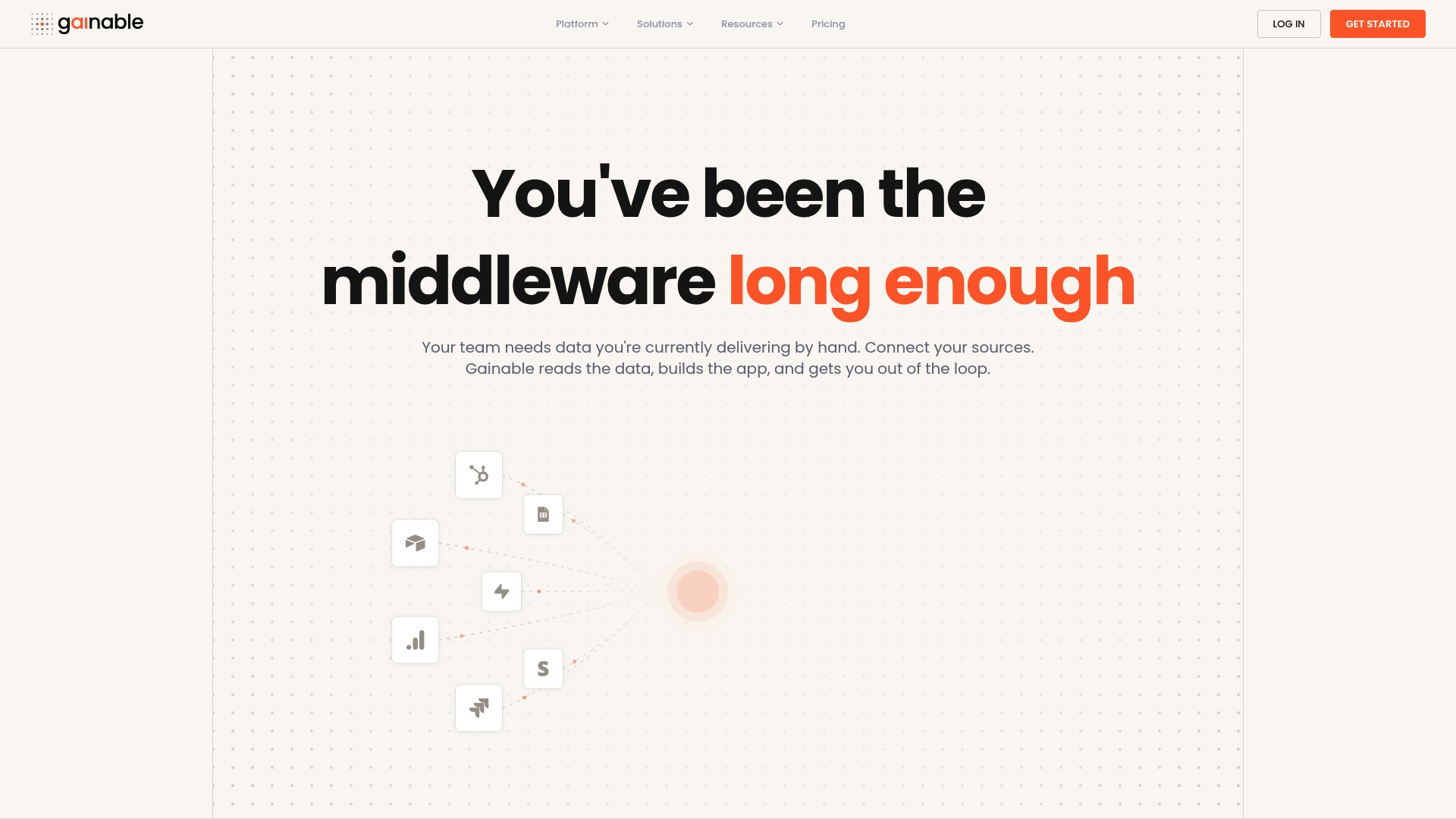
It merges your sheet with tools like HubSpot, Stripe, Airtable, Salesforce, Jira, or Linear into one record, keyed on whatever field you choose, like email or customer ID, and syncs both directions so the app writes back instead of drifting out of date. Every generated app ships with authentication, role management, dashboards, and built-in collaboration: chat and comments that sit next to the record they refer to, instead of a separate email thread. If your workflow already pulls from more than one source, the data connector options cover most of the tools listed above. Try dropping your own sheet into Gainable’s spreadsheet-to-app tool and see the generated app in minutes.
Where to Go Next for Official Docs and Examples
- Web Apps | Apps Script: deployment steps and permission details straight from Google.
- Google Sheets — Google Workspace: feature and integration overview, including BigQuery.
- Pull data from Google Sheet into Google Web app: community-tested data-pulling patterns.
- Digital transformation roadmap: context on secure access patterns for cloud data sources.